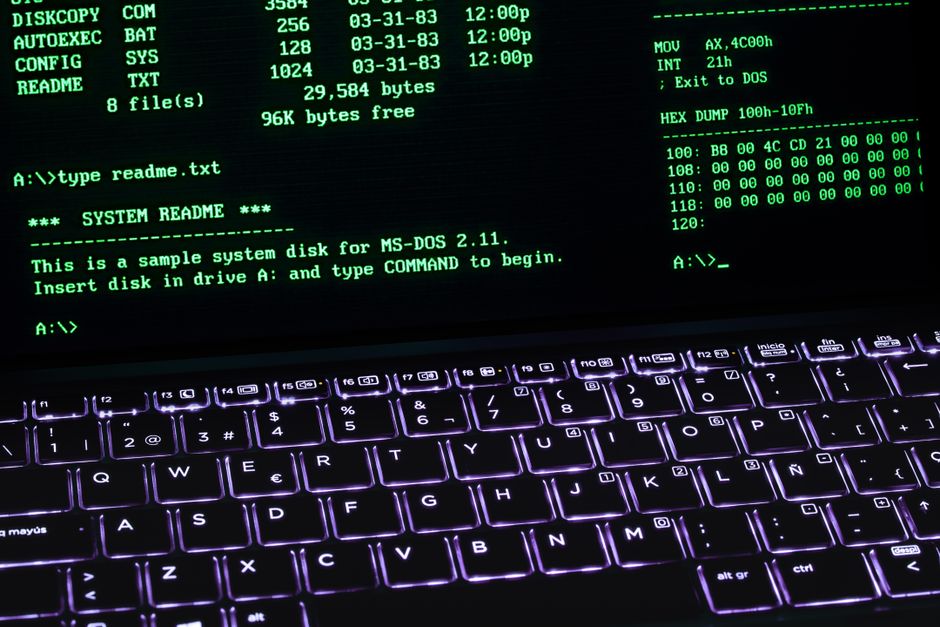
Photo by César Gaviria on Pexels
We’ve all been the villain in this story: you push a 4,000-line monolithic pull request titled “misc updates,” throw in a prayer emoji, and assign it to a senior reviewer whose soul leaves their body upon opening the tab. Today, we’re fixing that. Welcome to the Old Lane 17 field guide for upgrading your daily GitHub routine from a chaotic mess of force-pushes to a streamlined, clean-terminal workflow that actually makes you look like you know what you’re doing.
1. Ditch the Browser: Master the GitHub CLI
Let’s be honest: context-switching between your terminal and a browser tab just to open a pull request is a productivity killer. You get distracted by Hacker News, open ten new tabs, and suddenly forget what a for loop is.
Enter gh, the official GitHub CLI. It keeps your hands on the keyboard where they belong.
Instead of navigating the web UI, you can spin up a PR directly from your terminal branch with a single command. Here is how you do it without leaving your black-and-green comfort zone:
bash# Make sure you are authenticated (do this once)
gh auth login
# Push your current branch and create a PR in one fluid motion
gh pr create --title "feat: add user authentication fallback" --body "Closes #404. Adds graceful degradation when the auth service takes a nap."
Boom. PR created, issue linked, and you didn’t even have to touch a trackpad.
2. Writing PR Descriptions That Don’t Make Reviewers Cry
An elite pull request description tells a story. It answers three questions: What did you change, Why did you change it, and How can the reviewer verify it without breaking production?
Stop leaving the description box empty. Save yourself (and your teammates) from three rounds of “Wait, why did we do it this way?” by utilizing a standard template.
Here is a practical template you can drop right into .github/pull_request_template.md in your repository:
markdown## Summary
- Refactored the data ingestion pipeline to process CSVs in chunks instead of loading the entire file into memory.
## Motivation (The "Why")
- Production crashed yesterday because a client uploaded a 2GB spreadsheet. Oops.
## Testing
- [ ] Ran local unit tests (`pytest tests/test_parser.py`)
- [ ] Tested with a mock 500MB CSV file locally
3. The Classic Gotcha: The “Oops, Forgot a File” Commit
The Scenario: You just pushed your brilliant feature branch, typed git status with a smug grin, and realized you left a hardcoded API key and a stray print("DEBUG HERE") statement in a file you saved three minutes ago.
The No-BS Fix: Don’t panic, and definitely don’t type git commit -m "fix typo oops" like an amateur. Clean up your history locally before anyone sees it using an interactive rebase or a quick amend.
bash# Stage your forgotten fix
git add src/parser.py
# Amend the last commit without changing the commit message
git commit --amend --no-edit
# Force push safely to your feature branch (assuming no one else is on it)
git push origin feature-branch --force-with-lease
Pro tip: Always use --force-with-lease instead of --force. It’s the polite way to force-push because it checks if someone else pushed to your branch first, preventing you from accidentally wiping out a teammate’s work.
4. Basic CI: Letting Robots Do the Complaining
Why wait for a human to tell you your Python syntax is broken when you can have a free GitHub Actions robot do it in 30 seconds?
Create a file at .github/workflows/ci.yml in your repository. This tells GitHub to run your tests every time you push code:
yamlname: CI
on:
push:
branches: [ main ]
pull_request:
branches: [ main ]
jobs:
test:
runs-on: ubuntu-latest
steps:
- uses: actions/checkout@v4
- name: Set up Python
uses: actions/setup-python@v5
with:
python-version: '3.11'
- name: Install dependencies
run: |
python -m pip install --upgrade pip
pip install pytest
- name: Run tests
run: |
pytest
Commit that file, push it up, and watch GitHub handle the heavy lifting. Now you can write code with confidence, knowing the terminal gods approve of your setup.
Published by the Old Lane Developer Desk.
Disclaimer: This article was generated and formatted with the assistance of Artificial Intelligence.