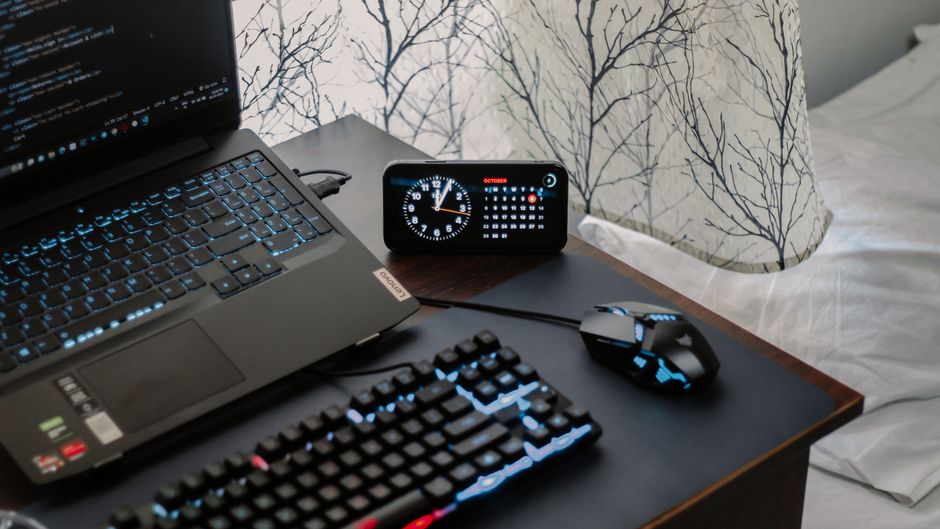
Photo by Arjunn. la on Pexels
While the tech world continues to throw lavish parties for disposable wireless gadgets that feast on batteries and Bluetooth pairing ceremonies, the humble wired computer mouse remains the reliable, corded workhorse of our desks—asking for nothing, yet outliving almost everything else plugged into our machines.
Ah, the modern tech ecosystem. We happily embrace wireless charging pads that turn electricity into room temperature, and we own Bluetooth earbuds that miraculously vanish into couch cushions just to spite us. Yet, when it comes to input devices, there is something deeply comforting about a physical tether. It is the exact same philosophy that makes us choose wired earbuds for zero latency and unshakeable reliability, even if we secretly own enough wireless gear to outfit a small sci-fi rebellion. Your wired mouse doesn’t need charging, it doesn’t drop packets when your Wi-Fi router gets depressed, and it will likely still be clicking away long after your current smartphone has evolved into a vintage paperweight.
Anatomy of an Immortal Clicker
Why do these plastic rodents last so damn long? Simple physics. Without batteries to bloat and die, and without complex radio transceivers begging for firmware updates, a wired mouse is a masterclass in minimalist engineering.
However, immortality has prerequisites. The factors affecting your mouse’s lifespan usually boil down to three main culprits:
- The Microswitches: These are the little mechanical spring-loaded switches beneath the left and right buttons. They have a rated lifespan, usually measured in millions of clicks (think 10 million to 50 million).
- The Cable Stress: That glorious cord is also its Achilles’ heel. Yanking, twisting, or rolling your heavy desk chair over it creates internal fractures in the copper wiring.
- The Sensor and Grime Accumulation: Dust, dead skin cells, and pet hair love to colonize the optical sensor and scroll wheel axle, turning smooth scrolling into a gritty, teeth-grinding chore.
Spotting the Early Symptoms of Senility
Your mouse won’t text you when it’s feeling under the weather, but it will drop subtle hints. If your highlighting suddenly drops halfway across a spreadsheet, or a single click registers as a violent double-tap (the dreaded “double-click bug”), your microswitch is waving a white flag. If the cursor stutters like it drank three espressos, your sensor is either choking on carpet lint or the cable is starting to fray internally.
CPR for Your Rodent: Maintenance Tips
Before you toss your trusty companion into the electronic graveyard, a little preventative maintenance can stretch its lifespan by years.
First, clean the underbelly. Grab a can of compressed air and blast the optical sensor. If the scroll wheel feels like it’s dragging through peanut butter, pop open the casing if possible (or use a toothpick dipped in isopropyl alcohol) to dig out the ancient civilization of dust bunnies living inside.
Second, respect the cord. Stop wrapping the cable tightly around the mouse like you’re subduing a python. Give the cable some slack, use a mouse bungee if your desk setup resembles a construction site, and for heaven’s sake, stop running your ergonomic desk chair over the poor thing. Treat the cable with the same gentle respect you give your authenticator keys when logging into a secure corporate portal—with absolute reverence.
Your wired mouse is a survivor. With just a tiny bit of care, it will faithfully click through operating systems, hardware upgrades, and existential tech trends for years to come.
Source reference: headtopics
Disclaimer: This article was generated and formatted with the assistance of Artificial Intelligence.